
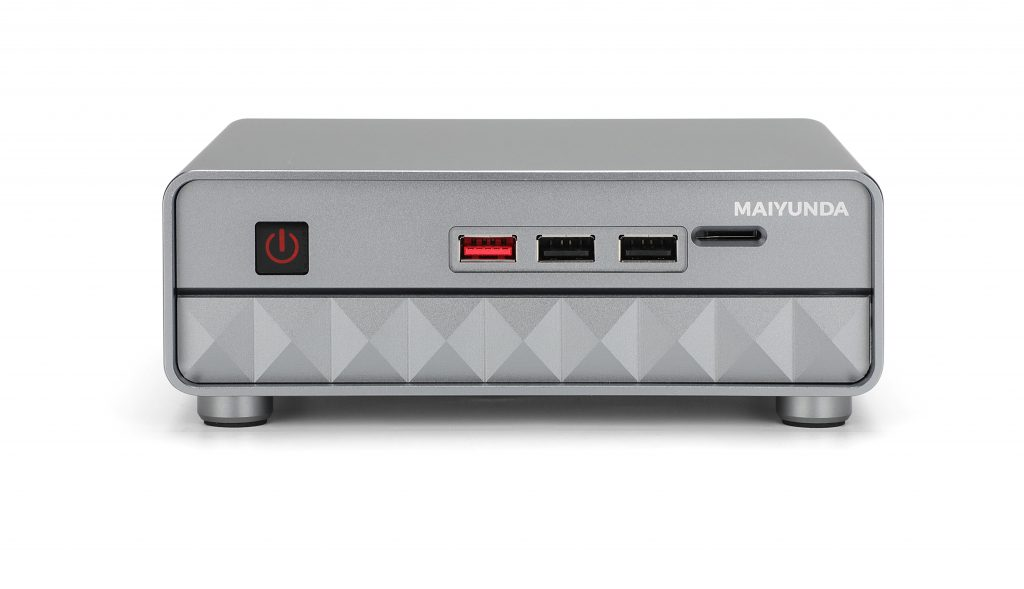
The M1 Mini N100 BIOS provides CPU and system fan control for quieter operation or stronger cooling.
Open the fan settings
- Power off the system.
- Press Del repeatedly during boot.
- Open Advanced > Hardware Monitor > Smart Fan Function.
- Select CPU Smart Fan Mode or System Smart Fan Mode.
- Manual Mode: set a fixed PWM value.
- Automatic Mode: use or edit the temperature-to-speed curve.
- Full on Mode: run the fan at full speed.
Save with F4 and confirm with Yes. After changing the curve, verify temperatures under a sustained workload.
Comments