
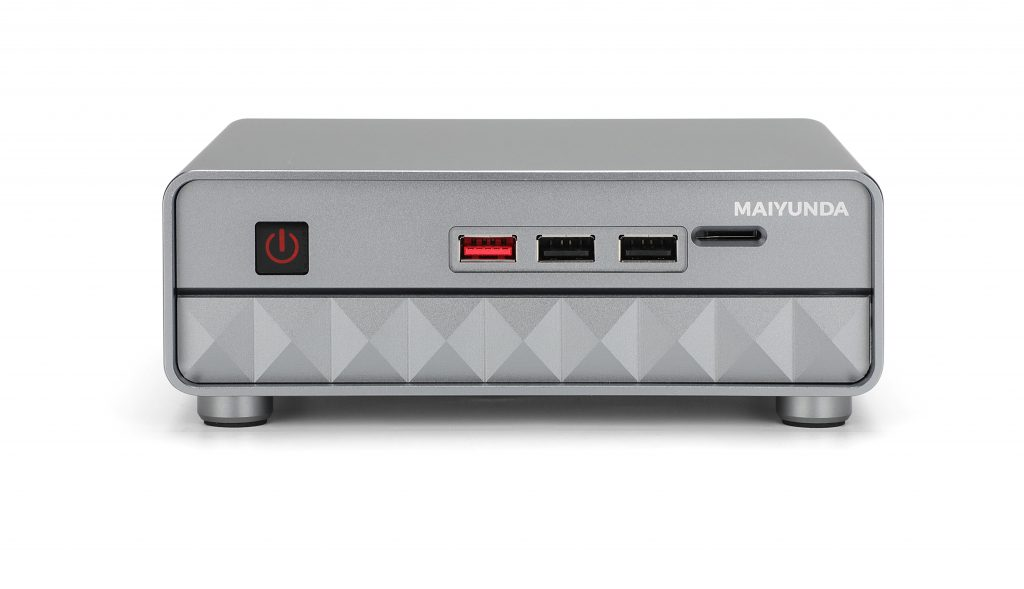
Common BIOS settings for the M1 Mini N100 series:
Enter the BIOS
Press Del repeatedly during boot. The boot-menu hotkey is F7.
Boot order
Boot > Boot Option #1, then select the required device.
Information
- CPU information: Advanced > CPU Configuration
- Hardware monitor: Advanced > Hardware Monitor
- NVMe information: Advanced > NVMe Configuration
PXE boot
Advanced > Network Stack Configuration > Network Stack > Enabled. Enable IPv4 PXE support if required.
Wake on LAN
Chipset > PHC-IO Configuration > Wake on LAN > Enabled.
Power-on after AC loss
Use the same PHC-IO Configuration page and set the restore-on-power-loss option to the required state. Save with F4.
Comments